


Photo to Pixar: Your Free Online Pixar AI Generator
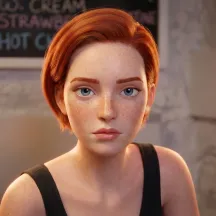
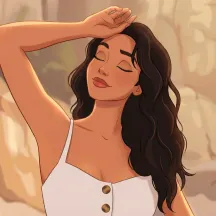
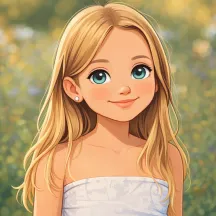
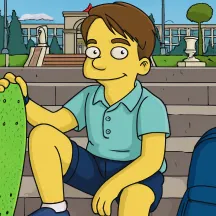
Convert any images into Pixar characters instantly for free. EaseMate AI Photo to Pixar mimics the vibrant color and charming designs in Pixar films based on GPT-4o and Gemini 3.1 Flash.
 GPT-4o
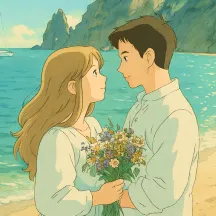
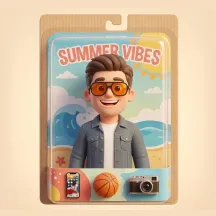
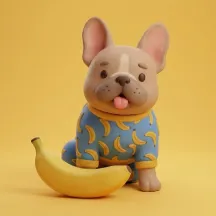
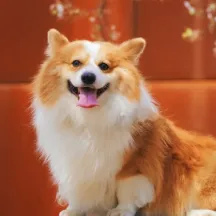
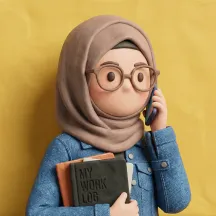
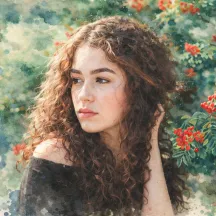
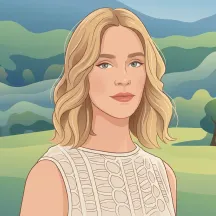
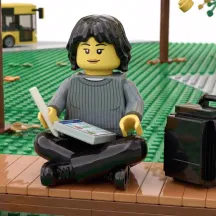

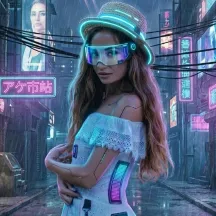
How to Use EaseMate AI Photo to Pixar?

In the designated section, choose a photo from your computer or smartphone. EaseMate AI Photo to Pixar supports popular image formats including JPG, JPEG, and PNG.

After uploading your photo, click on "Generate" to create a Disney Pixar-style image. If you want to personalize your image, turn on “Customize Prompt” and enter your text prompts.

Once applied, preview and download the Pixal-style image in high-resolution and watermark-free format.
Why Choose Photo to Pixar in EaseMate AI?
Intantly convert yourself, your pets, friends or family into adorable Pixar 3D characters online. There’s no hassle of signing up, watermark, or manual editing. Just upload any photo and then you can customize a fancy Pixar-style artwork with one click.
Instantly Add Pixar Filter to Your Photos for Free
By applying sophisticated AI algorithms, EaseMate AI Photo to Pixar can quickly respond to the uploaded photos and add a Disney Pixar filter to them. Zero account hassle or cost barrier, you can create and download watermark-free Pixar-style artworks in a breeze. Give it a whirl now!
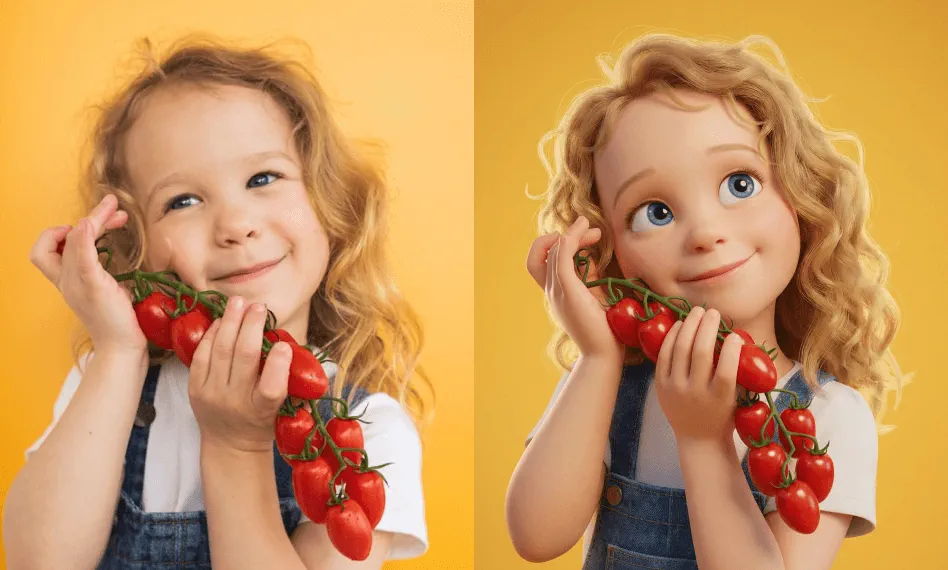
Apply Adorable Pixar-Style Effect While Keeping All Your Features
Integrated with AI models like GPT-4o, Midjourney, and Nano Banana, our free Pixar filter delivers an authentic Pixar-style effect while keeping all the featurres in the photos. From subtle smiles to dynamic poses, your facial expressions, outfits, and poseture can remain fully intact while adding Pixar-inspired lighting, color grading, and smooth 3D textures. Drop any image now to restyle it
Further Customize Every Detail of Your Pixar Character with Text Prompts
In addition to providing one-click creation, our online Disney Pixar AI filter can also further customize your Pixar character. In the Customize Prompt area, you can input your character’s style, look, attire, and emotion, and then EaseMate AI Photo to Pixar will adjust it based on your description.
High-Resolution Output for Every Occasion
Inspired by Pixar-themed films, EaseMate AI Photo to Pixar adds playful, high-resolution visuals to your photos. The generated images reflect the main features in your photo while maintaining the charm of Pixar. Meanwhile, the final output is watermark-free, making it perfect for personal and commercial use.
FAQs of Photo to Pixar by EaseMate AI
How does this photo to Pixar generator work?
Based on GPT-4o and Gemini 3.1 Flash, EaseMate AI Photo to Pixar is tailored to create Pixar-style images from your photos for free. It will turn photos into Pixar characters and visuals from films like Toy Story, Finding Nemo, Inside Out, and other Pixar-style films while retaining the key traits in your photos.
Is this online Pixar filter free to use?
Can I use EaseMate AI Photo to Pixar on my mobile phone?
What file formats are EaseMate AI Photo to Pixar supported?
Can I transform any type of photo into Pixar-style artworks?
EaseMate AI ToolKit
Find any tool you want here to make efficiency at your fingertips




